Proxy Buying Guide: Residential vs Datacenter
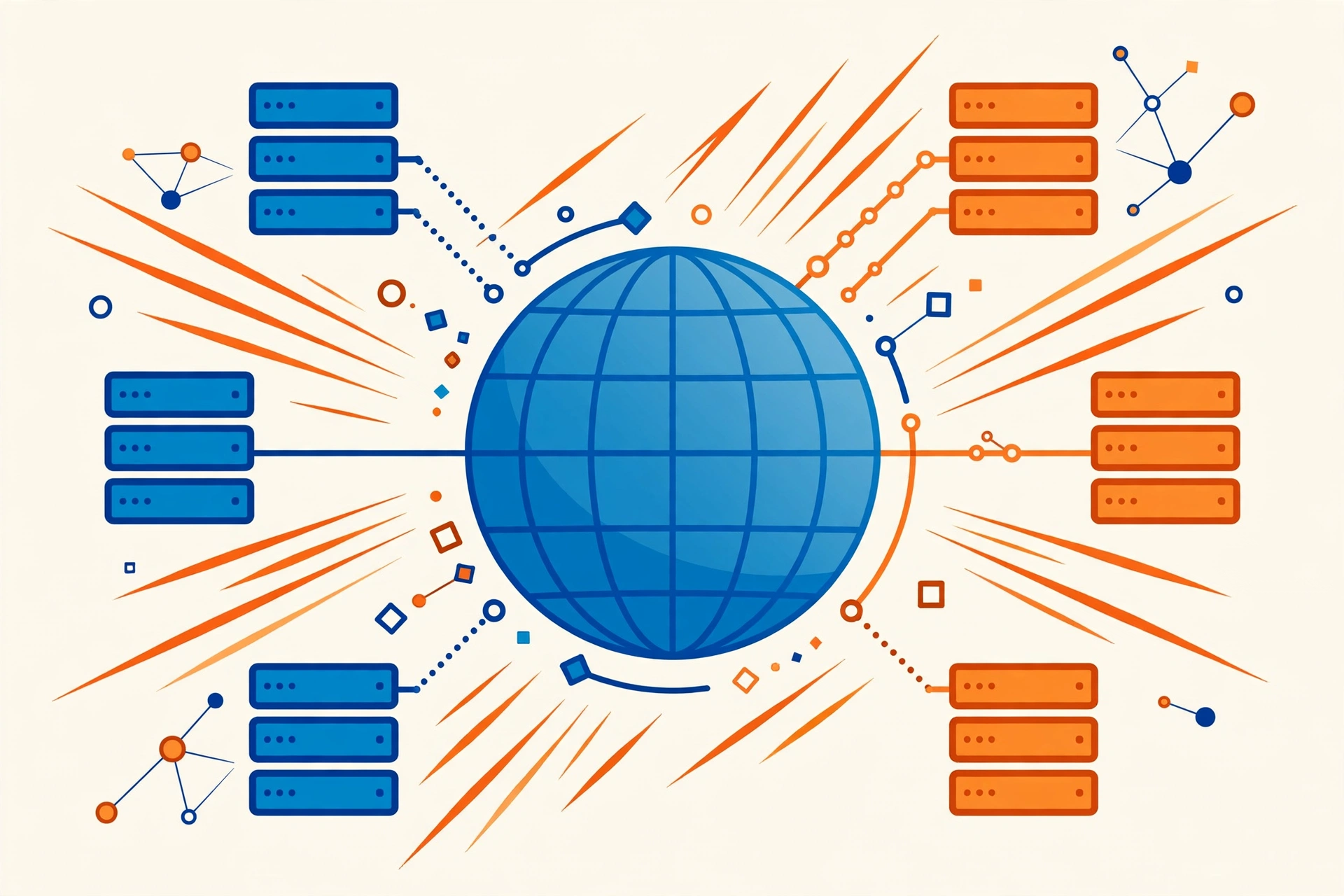
Proxies sit between you and the websites you visit, masking your real IP address. They are essential for web scraping, managing multiple accounts, sneaker bots, and ad verification. But choosing between residential and datacenter proxies confuses most first-time buyers. This guide clears it up.
A proxy changes the IP address a website sees. It does not, on its own, make an account purchase safe, make automation undetectable, or guarantee that a strict platform will accept your traffic. Think of a proxy as one part of a setup: the right type helps, but behaviour, account quality, and the platform's own rules still matter.
What Is a Proxy, and Why Buy One?
A proxy server routes your internet traffic through a different IP address. People buy proxies to:
- Manage multiple social media or marketplace accounts without linking them.
- Scrape data or monitor prices without getting IP-banned.
- Run automation and bots that need many unique IPs.
- Access geo-restricted content and verify ads as seen in other countries.
Residential Proxies
Residential proxies use IP addresses assigned to real homes by internet providers. To any website, your traffic looks like an ordinary person browsing from their house.
- Highest trust level. Extremely hard for websites to detect or block.
- Best for. Managing social accounts, sneaker releases, ad verification, and scraping protected sites.
- Downsides. More expensive, and speeds can vary since they depend on real users' connections.
Datacenter Proxies
Datacenter proxies come from servers in data centers, not homes. They are fast, cheap, and stable, but websites can tell the IP belongs to a datacenter.
- Best for. High-speed scraping of unprotected sites, bulk tasks, and anything where speed matters more than stealth.
- Downsides. Easily flagged on strict platforms like Instagram, TikTok, or ticketing sites, with higher ban rates for account management.
Residential vs Datacenter: Key Differences
- Trust: residential IPs look like real users; datacenter IPs are identifiable as servers.
- Speed: datacenter proxies are typically faster and more consistent.
- Price: residential proxies cost significantly more per GB or per IP.
- Ban rate: residential proxies get blocked far less often on strict platforms.
- IP rotation: residential services often offer rotating IPs per request; datacenter proxies are usually static.
Which Should You Choose?
- Managing social media accounts. Residential, no contest. Datacenter IPs get accounts flagged.
- Web scraping (protected sites). Residential or rotating residential.
- Web scraping (simple sites). Datacenter is fine and much cheaper.
- Sneaker bots / limited releases. Residential, ideally ISP or static residential.
- General browsing privacy. Datacenter is enough.
What to Check Before Buying
- Proxy type and protocol. HTTP(S), SOCKS5? Make sure it fits your software.
- Location coverage. Confirm the countries and cities you need are available.
- Rotation vs static. Rotating IPs suit scraping; static IPs suit account management.
- Speed and uptime guarantees. Ask for trial access or a speed test.
- Concurrent connections. Check how many simultaneous connections your plan allows.
- Replacement policy. Dead or banned IPs should be replaced free. Confirm this before paying.
Buyer Checklist
- Use case defined, with proxy type chosen for the strictest platform involved.
- Protocol, locations, and rotation or static behaviour confirmed for your software and task.
- Concurrent connections checked against your workload.
- Trial or speed test done, and replacement policy confirmed before paying.